
How-To Guides & Tutorials
Step-by-step how-to guides for converting, compressing and editing images online — free, no software needed, works on any device.
This collection of free how-to guides covers everything you need to know about converting, compressing and editing images online — without installing any software. Each guide is written in plain language with clear steps so anyone can follow along, whether you are on a phone, tablet or computer.
From converting HEIC photos from your iPhone to JPG, to compressing images for your website, to understanding which image format to use for different purposes — every guide here is practical, up to date and linked directly to the free tool you need to get the job done instantly at FreeConverto.
iPhone Image Guides
How to convert HEIC photos from iPhone to JPG, PNG or WebP without losing quality
Format Conversion
Step-by-step guides for converting between every major image format quickly and for free
Compression Guides
How to reduce image file sizes for websites, email attachments and social media posts
Website Optimisation
How to optimise images for faster page load times and better Google search rankings
How to Compress Images for Web Without Losing Quality
Quick answer: To compress images for the web without losing quality, resize the image to the size it…
7 Best Free Online PDF, Image & Utility Tools in 2026 (No Signup)
Bottom line upfront: If you want one place for everyday file jobs without signup or watermarks, start with…
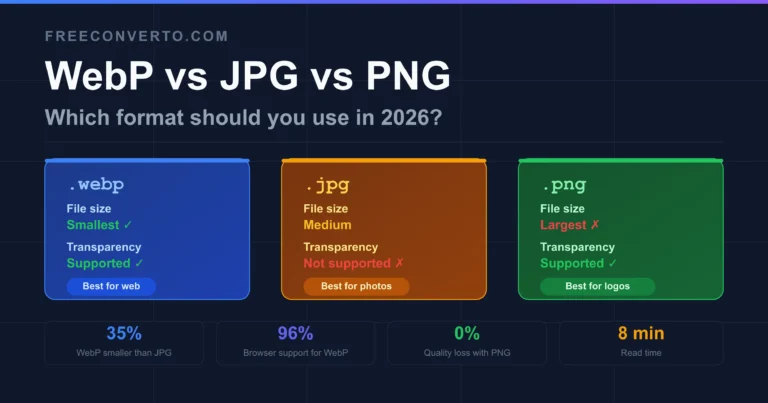
WebP vs JPG vs PNG: Which Format Should You Use in 2026?
You upload a photo and your image editor asks: save as WebP, JPG or PNG? If you have…
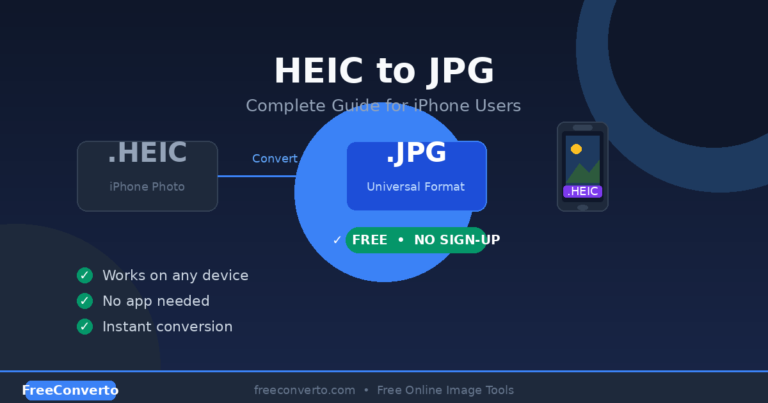
HEIC to JPG: Complete Guide for iPhone Users (2026)
Learn how to convert HEIC to JPG instantly. Free online converter for iPhone photos — no app needed,…
How to Use FreeConverto Image Tools — In 3 Simple Steps
Every free tool on FreeConverto works the same simple way — no software to install, no account to create, no watermarks added. Here is all you need to do:
Upload Your Image
Click the upload area or drag and drop your image file directly onto the page. Supports JPG, PNG, WebP, AVIF, GIF and HEIC formats.
Choose Your Settings
Select your output format, quality level or target dimensions depending on which tool you are using. All settings are clearly labelled.
Download Your File
Click download and your converted or compressed image saves instantly to your device. No email required, no waiting, no sign-up.
All image processing happens directly in your browser — your files are never uploaded to any server, which means your images stay completely private. This also means the tools work even with a slow internet connection once the page has loaded.
🛠️ Try the free image tools right now
All tools are free, browser-based and require no sign-up — your images never leave your device.